A widget that stays within reach
Keep it on top, or use Close or Hide to send it to the tray. The default Alt+H shortcut hides the widget and brings it back.
 Market Peek
Check prices without switching windows.
Follow crypto, Korean stocks, and US stocks
from a small corner of your desktop.
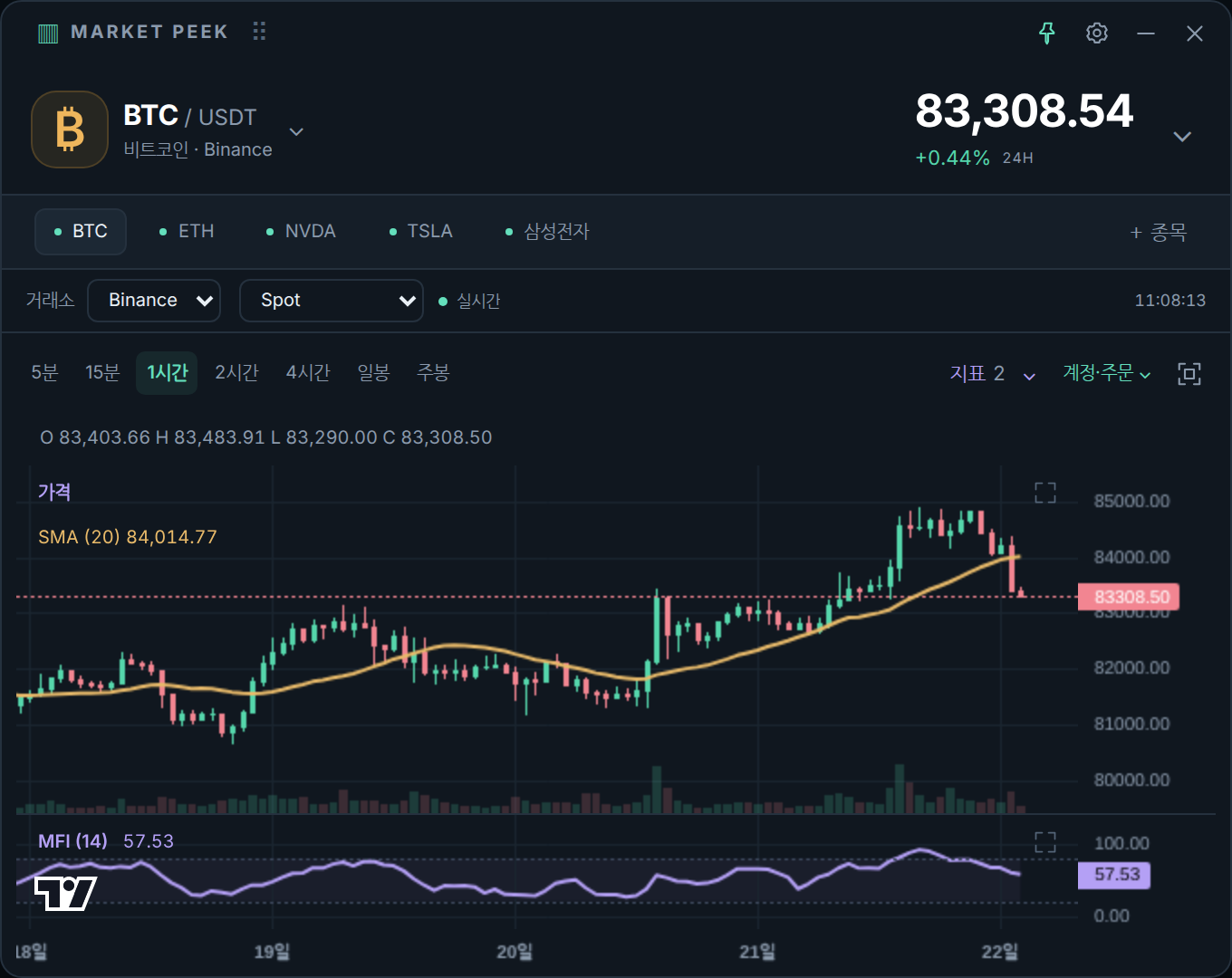
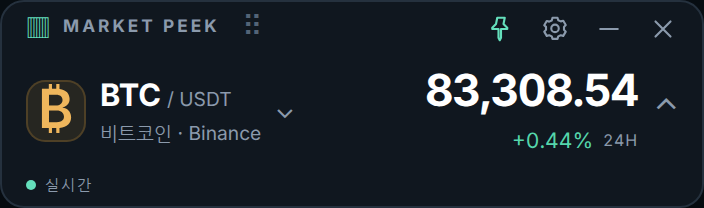
From a compact price widget to charts, taskbar prices, and your positions.
Keep it on top, or use Close or Hide to send it to the tray. The default Alt+H shortcut hides the widget and brings it back.
Click the price to expand the candlestick chart. Combine 10 technical indicators, including moving averages, RSI, and MACD.
Search for crypto, Korean stocks, and US stocks, then add them to your favorites. Crypto charts support five exchanges.
Enable taskbar prices to keep the symbol, price, and change visible after minimizing with the − button. Windows must be configured to show taskbar labels.
View spot holdings and USDT futures positions from all connected exchange accounts, grouped by symbol. Positions are labeled Spot, Long, or Short. Upbit supports spot holdings only.
Positions stack in one or two lines each, with PnL amounts shown to one decimal place. Add missing take-profit and stop-loss levels, or edit existing levels on supported exchanges.
This website is available in English. The current app interface and Windows installer are in Korean.
Choose the EXE installer or 7z archive for Windows, or the Universal DMG for Mac.
On Windows, follow the installer’s Korean-language prompts, or extract the 7z archive and run the app. On Mac, open the DMG and drag Market Peek into Applications.
Click the symbol name to search for an instrument. Click the price to expand its chart.
The website is available in Korean and English. The current desktop app and Windows installer use Korean. Changing the website language does not change the app language.
No. The Windows and macOS downloads include the environment needed to run the app.
Add each exchange’s API credentials in the app settings. If you choose to save them, the key, secret, and any required passphrase are encrypted and stored separately for each exchange on this computer.
In Settings → Display & window, adjust the minimum spot value. By default, spot holdings worth 1 USDT or less are hidden. Set it to 0 to show all holdings. Futures and spot holdings without a known value remain visible.
The − button minimizes to the taskbar. Close, Hide, and Alt+H hide the window in the tray. Use the tray icon or Alt+H to bring it back. To quit completely, use the tray menu or Quit in settings. If the tray is unavailable, the app minimizes instead.
Enable taskbar prices in the app’s Settings → Display & window. In Windows Settings → Personalization → Taskbar, set the option for combining buttons and hiding labels to Never. The exact setting name varies by Windows version. Prices appear on one line and may be clipped if space is limited.
Position labels and related tooltips use one decimal place. Nonzero values below 0.1 appear as <0.1. This only simplifies the display; order price and quantity precision are preserved.
The current installer is an unsigned, independently developed build. Windows may display a notice that the publisher cannot be verified. Check the download source and file before deciding whether to install it.
The Universal DMG supports Apple Silicon and Intel Macs. Taskbar prices and launch at login are Windows-only features. You can visit this download page on a phone, but the app is for desktop computers.
The current macOS build is not signed with an Apple Developer ID or notarized. After verifying the source and file, try opening the app once, then check System Settings → Privacy & Security for the option to open the blocked app.