Press. Speak. Release.
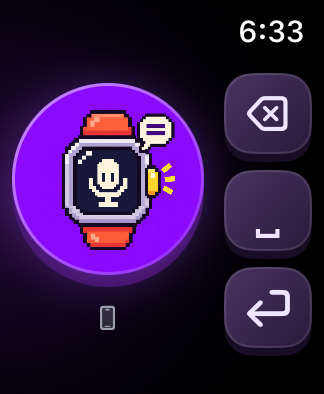
The large round icon is your recording button. Speak when the waveform appears; release to send the recording to iPhone.
✦ IPHONE + APPLE WATCH
 Talkey
Press the round icon and say a few words. Talkey turns your Apple Watch recording into text in an iPhone input field.
An introduction and development previews only. No installation files or downloads are available.
A LITTLE TALK. A LITTLE TAP.
The large round icon is your recording button. Speak when the waveform appears; release to send the recording to iPhone.
Input starts after roughly two seconds of silence following speech, or at 15 seconds. Audio travels in small chunks.
Three keys, in that order from top to bottom. Tap backspace or space for one input; hold either key to keep deleting or adding spaces.
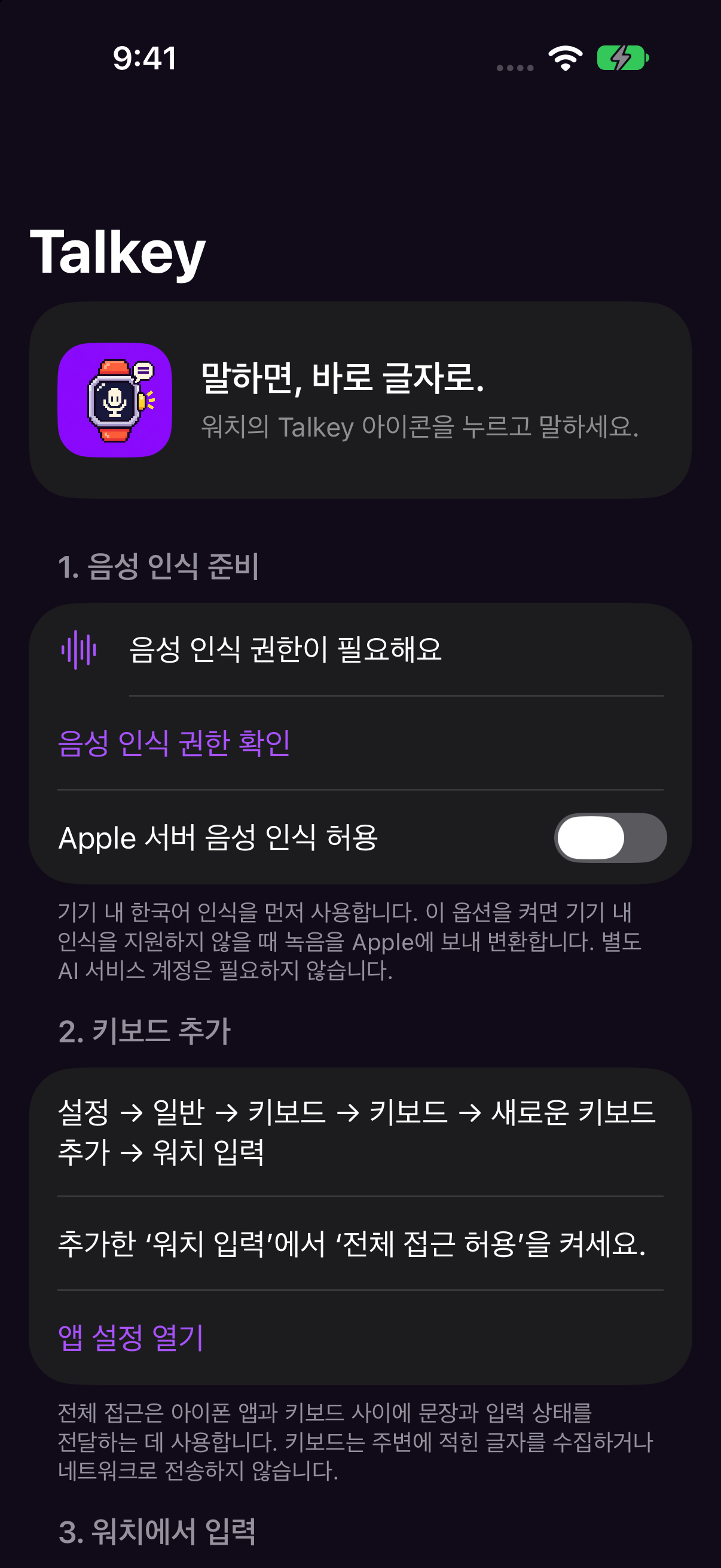
Select the dedicated Watch Input keyboard on iPhone. Recognized text goes into the input field of an app that allows third-party keyboards.
Talkey prefers on-device Korean recognition on iPhone. Apple server recognition is optional when on-device recognition is unavailable.
A pixel watch character, a generous circular button, and softly lit purple keys. A press animation and one short haptic at the start of each press acknowledge your touch.
WORK IN PROGRESS
The latest build puts backspace, space, and return in order and adds hold-to-repeat. We are continuing to refine 15-second voice input, real-world responsiveness, and compatibility.
Not yet. Only the introduction and development screens are public. There are no App Store, TestFlight, or installation-file links.
Backspace and space trigger once when pressed, then repeat after about 0.4 seconds. Release or move your finger outside the key to stop further repeats. Return triggers once per tap. Repeat speed can vary with the connection.
No. Talkey inserts text through its dedicated keyboard. Send the actual message from the app on your iPhone.
Add the dedicated Watch Input keyboard and allow Full Access on iPhone. Password fields and apps that disable third-party keyboards are not supported.
A paired iPhone is required. The watch records; iPhone recognizes Korean speech and inserts the text. Connectivity and iOS execution conditions can delay or prevent completion.